Top Quizzes Overview
Section Structure:
- Quiz Cards: Displays a scrollable list or grid of quizzes, each with a title, category icon, and short description.
- Search Bar: A top input field that lets users search quizzes by name, tag, or topic.
- Like/Dislike Toggle: Each quiz has thumbs-up/down icons to indicate user preference.
- See All Button: A “See All” button lets users navigate to a full quiz listing or explore other categories.
- Load More (Optional): Some implementations may support infinite scroll or a "Load More" button at the bottom.
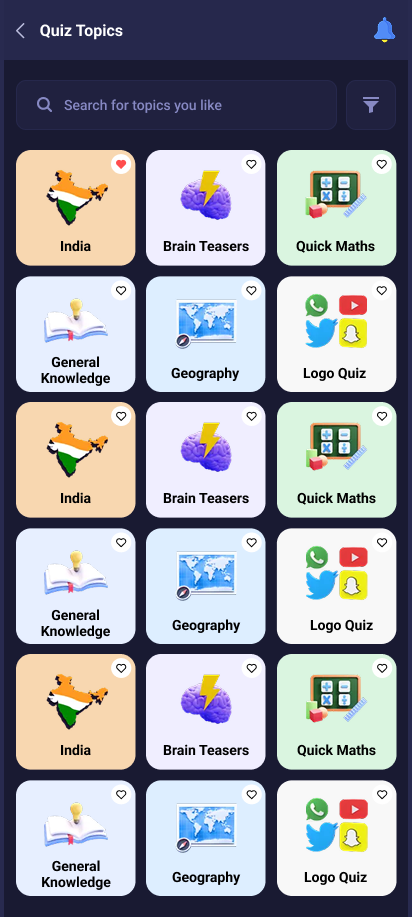
This screen displays a list of popular and trending quizzes. Users can search, like, and explore more quizzes using the “See All” and scroll options.