Quiz Bites Screen Overview
Section Structure:
- Category Selection: Users can pick up to 3 categories for their quiz session. Each category is represented by an icon and a title.
- Category Icons: Visual icons represent each category, such as a map for "India" and a film reel for "Bollywood."
- Play Button: A prominent "Play" button is available to start the quiz once the categories are selected.
- Add More Categories: Users can add more categories by tapping the "+" button if they want to change or add to their selection.
- Coins Display: The user's current coin balance is displayed at the top of the screen.
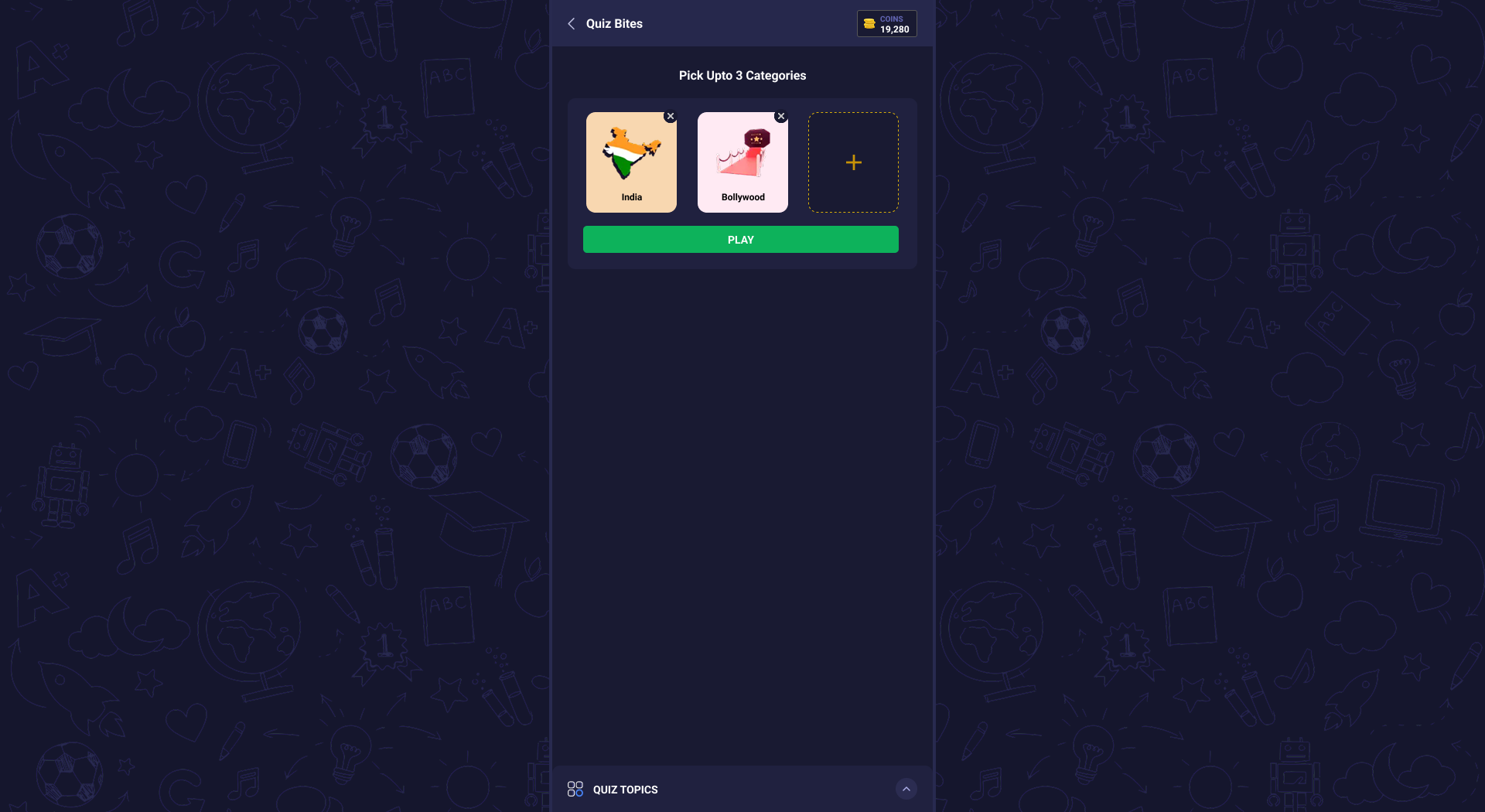
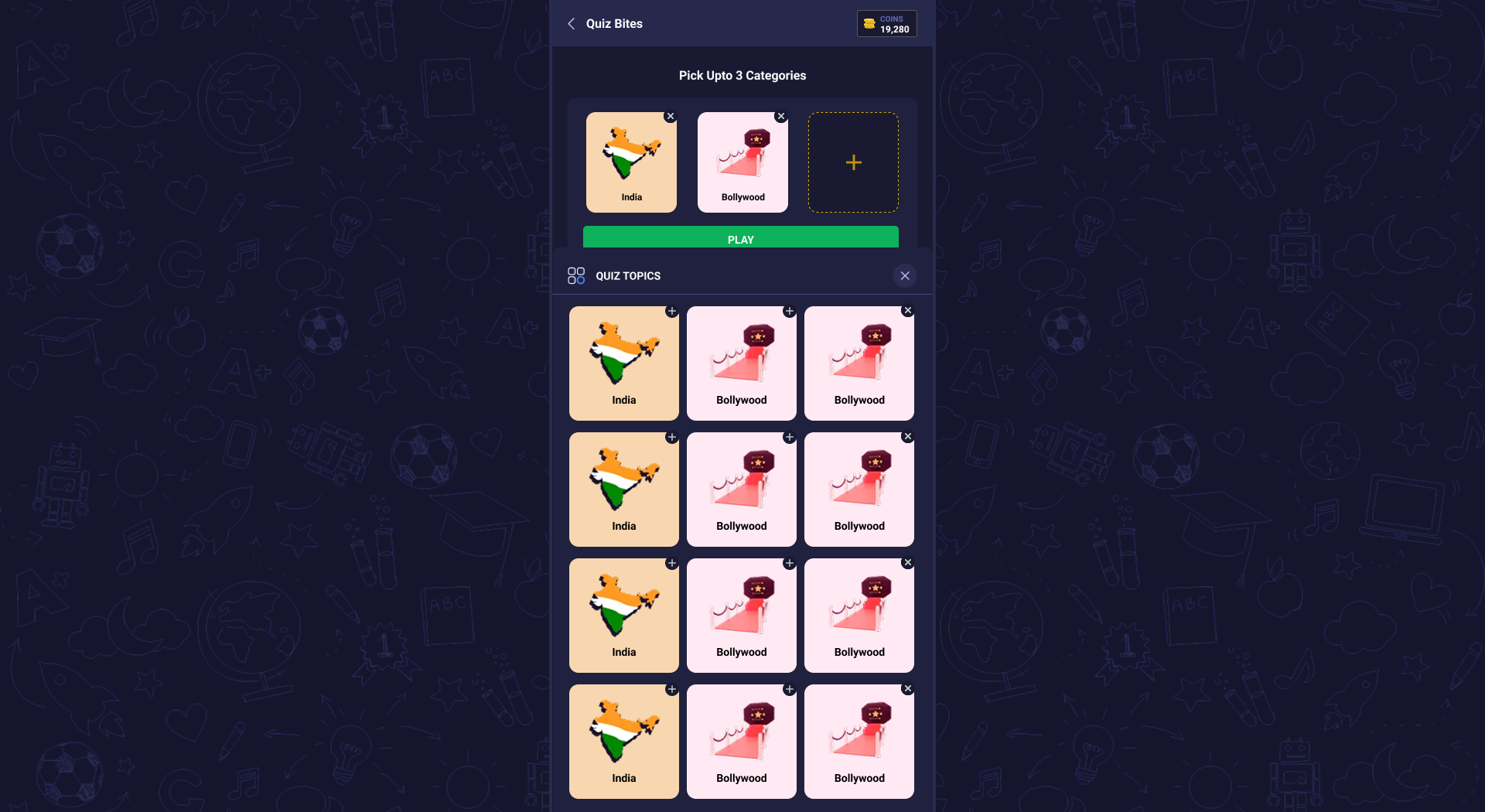
This screen allows users to select up to 3 quiz categories. Users can see their selected categories and start the quiz by pressing the "Play" button.