Quiz Details Screen Overview
Section Structure:
- Quiz Title & Description: Displays the name of the quiz along with a short informative description about the topic.
- Category Badge: Shows an icon or tag indicating the quiz category (e.g. GK, Sports, History).
- Quiz Rules & Details: Information like number of questions, time limit, difficulty level, and prize or coin reward (if applicable).
- Entry Info: May show free or paid entry label, coin deduction (if required), and expected rewards.
- Play Button: Primary CTA labeled “Play Now” or “Join Quiz” to begin the quiz.
- Play As Guest (Optional): If not logged in, users may get the option to join as a guest or be redirected to register/login.
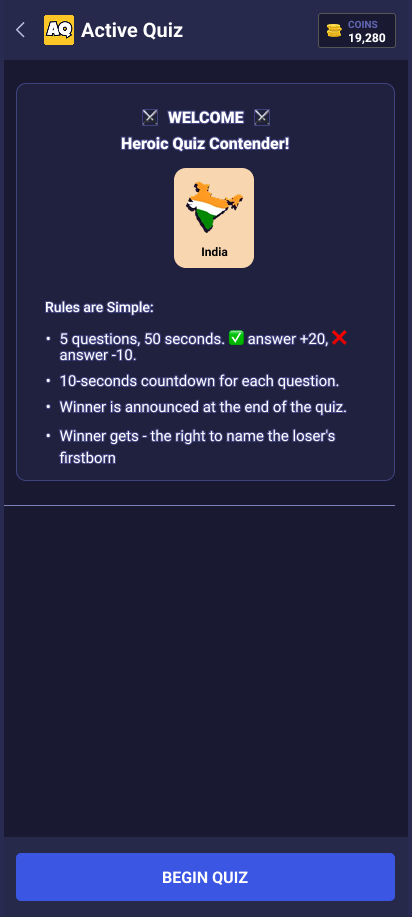
This screen shows full quiz details including time, number of questions, category, entry requirements, and allows the user to start the quiz or join as guest.