Profile Screen Overview
Section Structure:
- Profile Header: Displays the user’s profile photo or avatar along with their full name prominently.
- Email & Mobile: Shows the registered email address and phone number linked with the account.
- Join Date: Indicates when the user first registered or joined the app.
- Coin Balance: Displays the current number of coins the user has earned and can use in-game.
- Account Status: May include indicators such as “Active”, “Verified”, or “Guest”.
- Logout Button: A prominent logout button to securely exit the app or switch accounts.
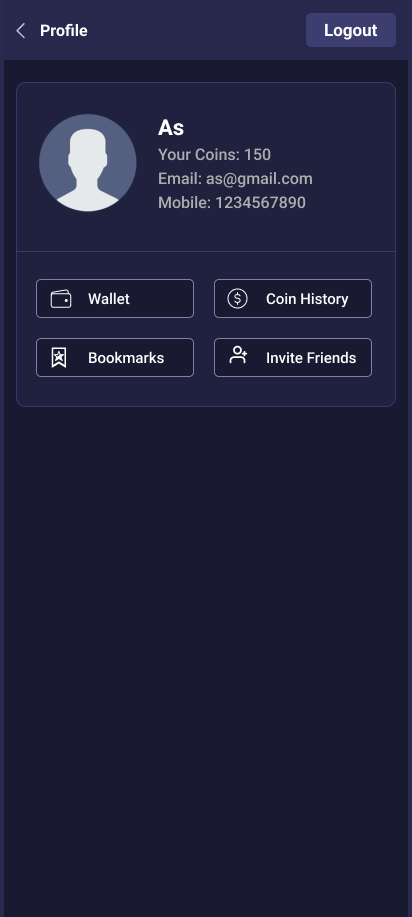
The profile screen allows users to view their account info, including name, email, mobile, coin balance, and logout securely.