Onboarding Overview
Section Structure:
- Intro Slides: Multiple full-screen slides briefly introduce key app features such as quizzes, contests, rewards, and learning topics.
- Text Highlights: Each slide includes short headlines and descriptions to communicate value quickly.
- Topic Preference: A screen allows users to choose topics they like, which helps personalize their quiz recommendations.
- Progress Indicator: Dot or bar indicators at the bottom of the screen show onboarding progress visually.
- Start Now Button: A clear and visible “Start Now” button is shown on the last screen to move forward to registration or login.
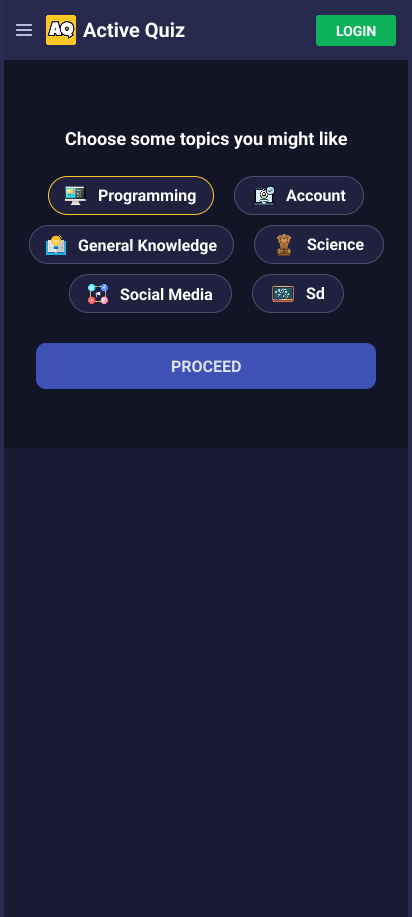
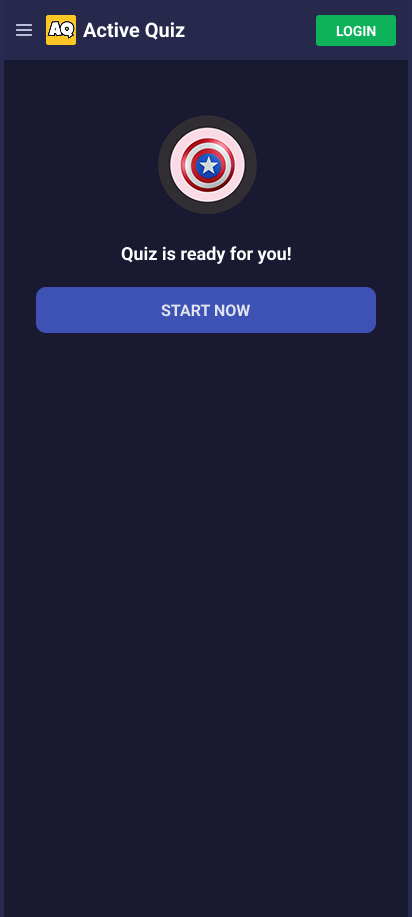
This image displays the onboarding interface with introductory slides and a topic preference screen, helping users understand the app’s features before starting.