Homepage Overview
Section Structure:
- Header: Contains the platform logo, menu icon, login button, and coin display (if logged in).
- Registration: Includes fields for full name, mobile number, email, password, and confirm password with a blue "Register" button.
- Login: Fields for email and password, along with a login button and Google sign-in option.
- Top Quizzes: Displays popular quiz categories with a "SEE ALL" button, like/dislike feature, and search bar.
- Begin Quiz Section: Displays quiz title, rules, category icon, and action buttons to either "JOIN ACTIVE QUIZ" or "PLAY AS GUEST".
- Menu Section: Provides navigation to options like Spin Wheel, Quiz Contest Rules, Partner With Us, Report an Issue, and Social Links.
- Trending Quiz Topics: Highlights popular quiz categories with a "SEE ALL" button for more exploration.
- Quiz Contests: Shows ongoing contests with prizes, player counts, duration, and "PLAY NOW" button.
- Footer: Displays informational links like Terms & Conditions, Privacy Policy, About Us, and Contact Us.
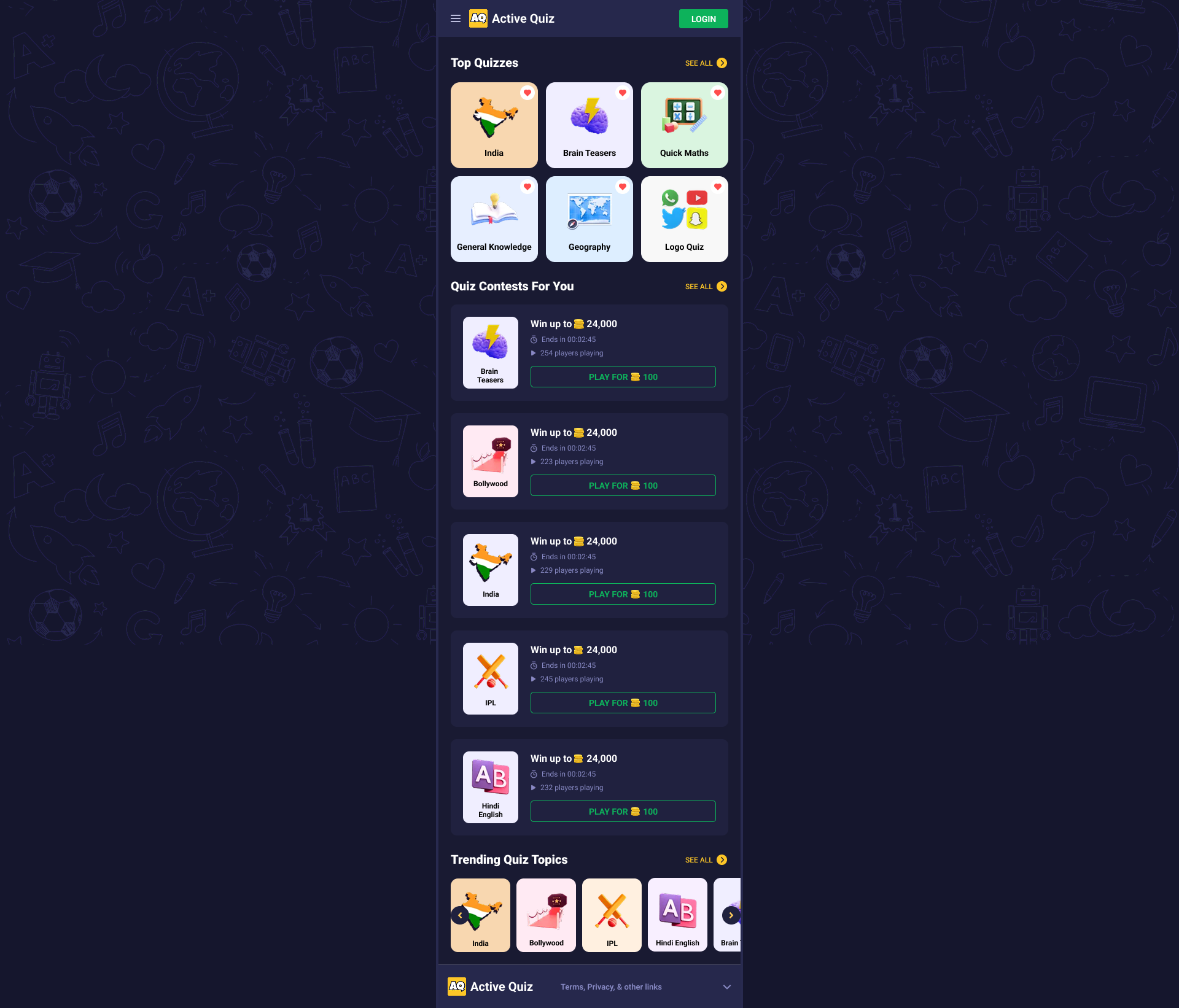
This image shows the layout of the homepage including Top Quizzes, Begin Quiz screen, and user navigation under the dark UI theme.