Coin History Screen Overview
Section Structure:
- Transaction List: Shows a list of coin transactions, each entry showing the reason (e.g., quiz reward, lifeline use) and the number of coins earned/spent.
- Timestamp: Each transaction displays the date and time for better tracking and transparency.
- Positive & Negative Coins: Clear color-coded indicators (e.g., green for earned, red for spent) to differentiate transaction types.
- Total Balance Display: User’s current coin balance is shown at the top for quick reference.
- Icons & Labels: Each row includes a relevant icon (like a trophy, gift box, or wallet) to visually indicate the transaction source.
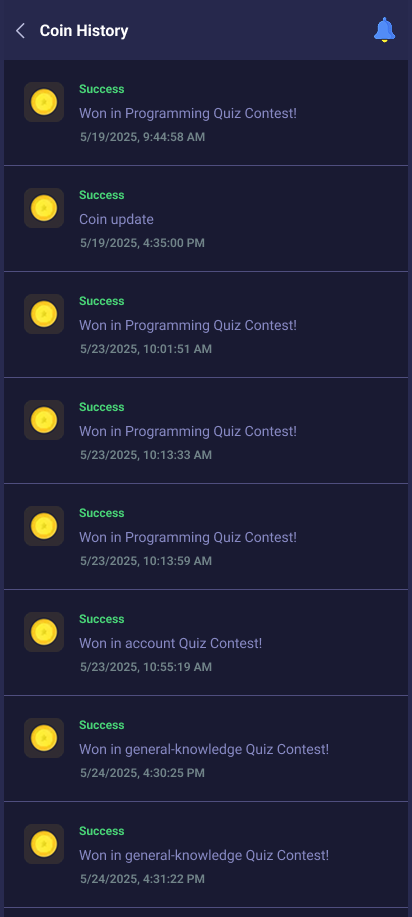
This screen displays all coin activity — from earned coins in contests to deductions for lifelines — helping users track their rewards and spending.