Bookmark Screen Overview
Section Structure:
- Bookmarked Question List: A scrollable list of all questions marked as “bookmarked” during quizzes for later reference.
- Question Preview: Each item shows the full question, the selected answer, and the correct answer (if available).
- Filter Option: Allows filtering bookmarked questions by category or quiz type for easier review.
- Remove Bookmark: Each question card has an icon or action to remove it from the bookmark list.
- Offline Access (Optional): In some implementations, bookmarked questions may be stored locally for offline access.
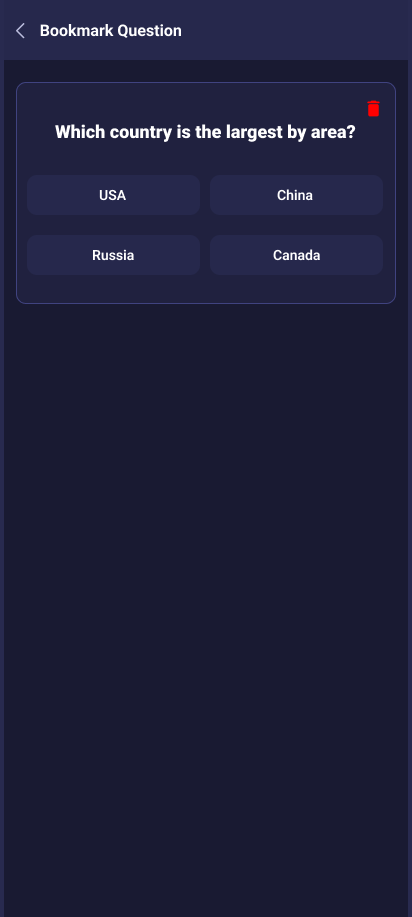
This screen helps users track saved questions they’ve marked during gameplay, with options to review, filter, and remove them from their list.