Registration Screen Overview
Title: Register to Active Quiz
- Full Name: A text input field for entering the user's full name.
- Mobile Number: A text input field for entering the user's mobile number.
- Email: A text input field for entering the user's email address.
- Password: A text input field for entering a secure password.
- Confirm Password: A text input field for re-entering the password to confirm it.
- Register Button: A blue "Register" button to submit the registration details and create a new account.
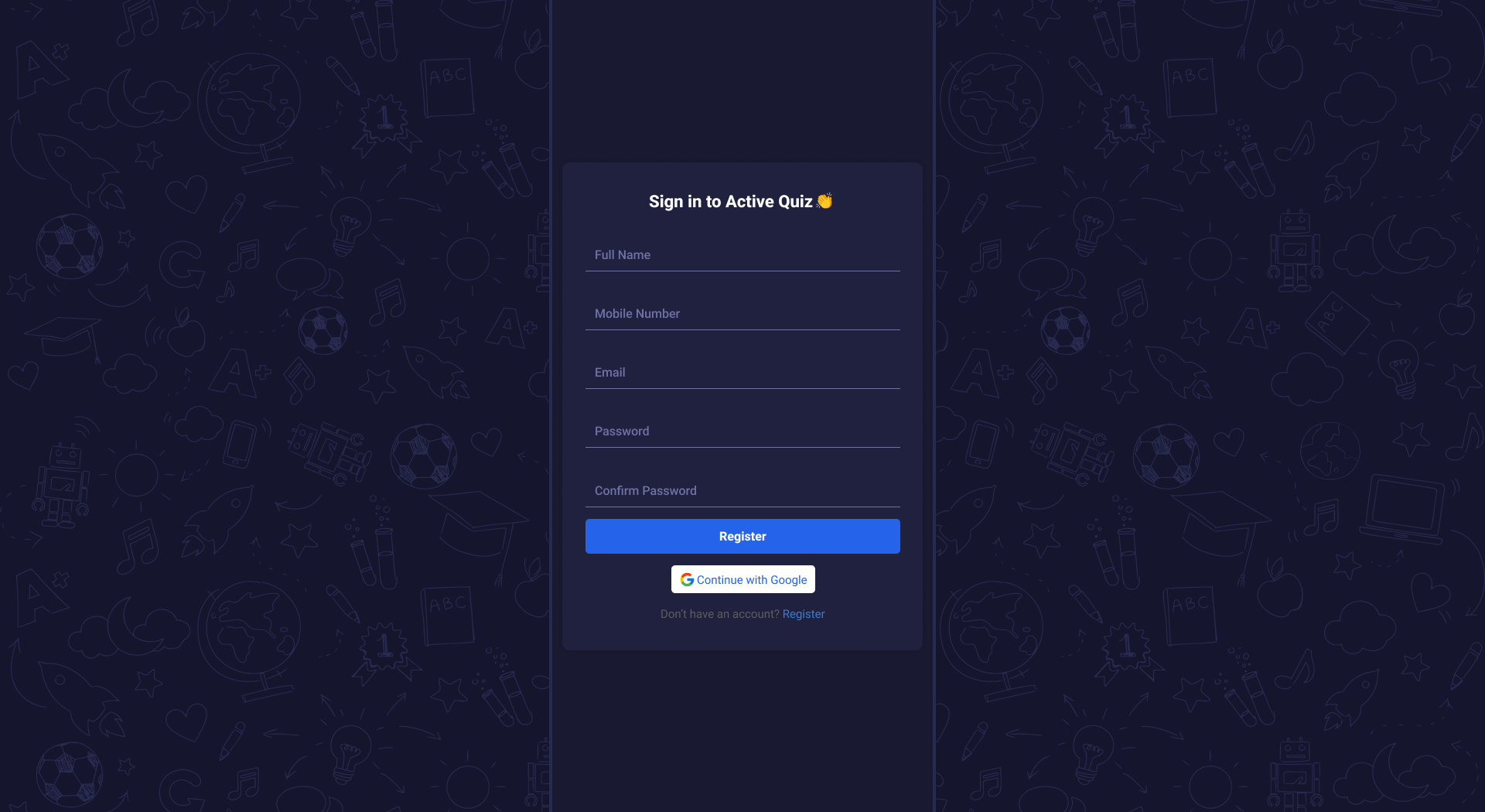
This image shows how the register screen looks on the web.
LogIn Screen Overview
Title: User Login
- Email: A text input field for entering the registered user email address.
- Password: A text input field for entering the secure password.
- Login Button: A button to submit the login credentials and access the admin panel.
-
Social Login Option:
Continue with Google: A button to allow users to register or log in using their Google account.
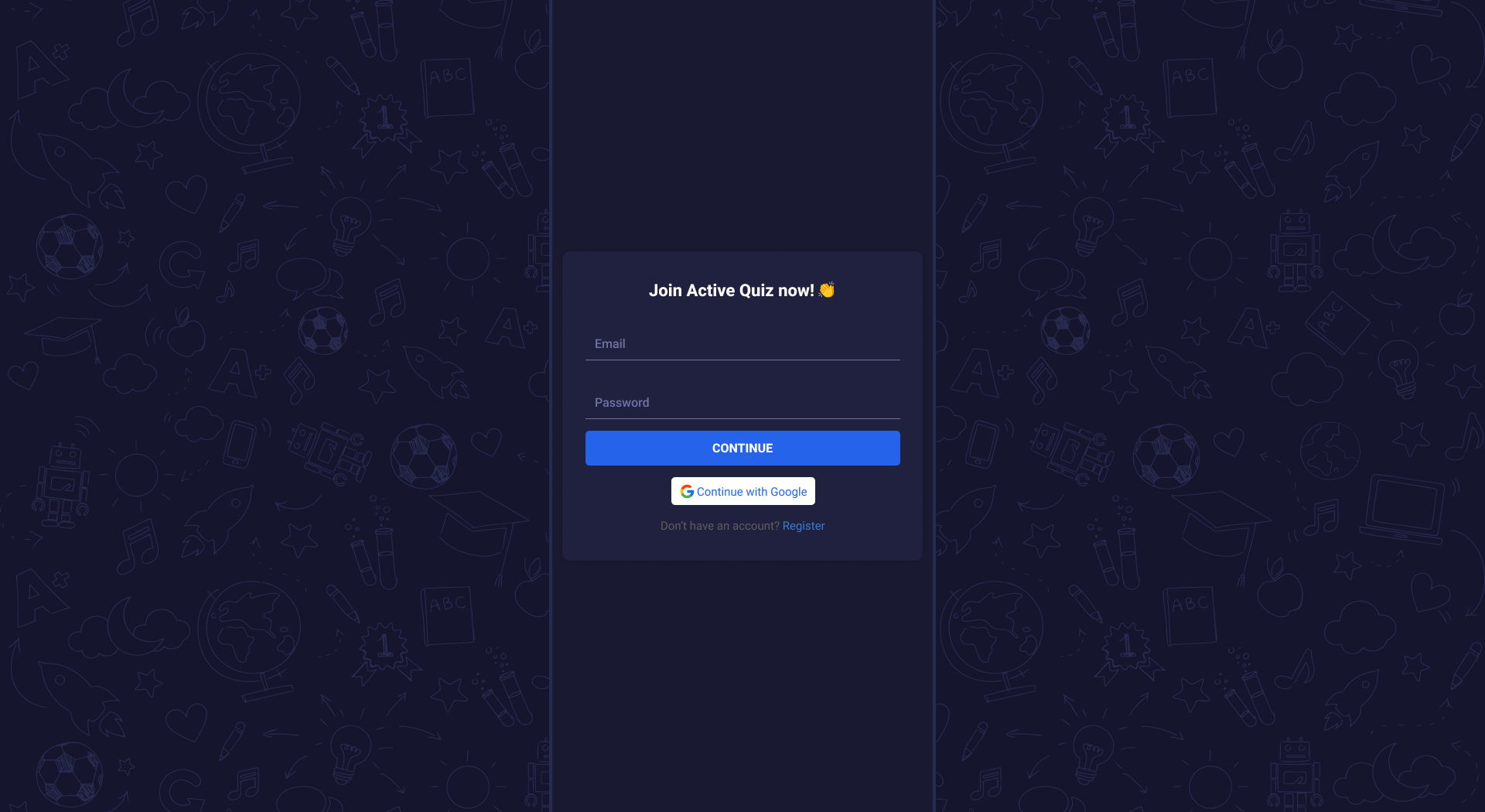
This image shows how the login screen looks on the web.